$0.01
Original: $0.02
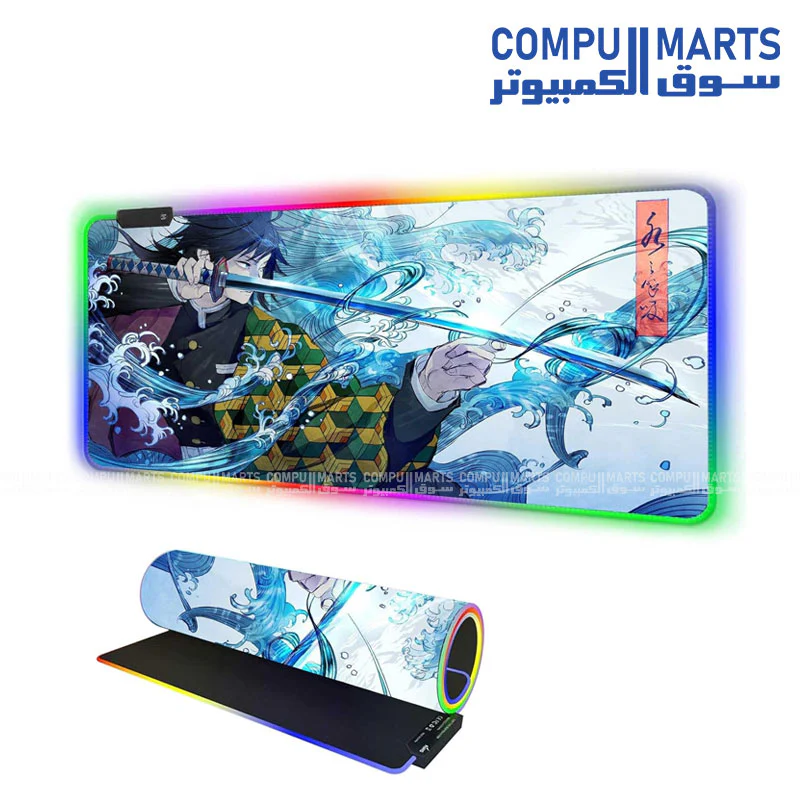
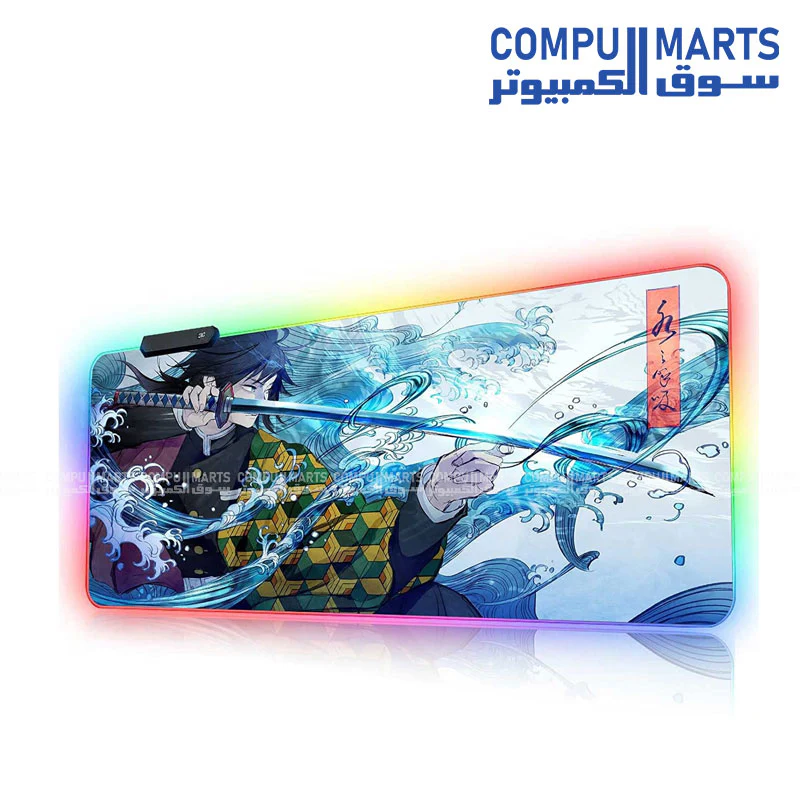
-50%RGB Large Gaming Mouse Pad Anime Giyu Sword- Desk Mat, Stitched Edges, Non-Slip Base—
$0.02
$0.01The Story
| Category | Specification Details |
|---|---|
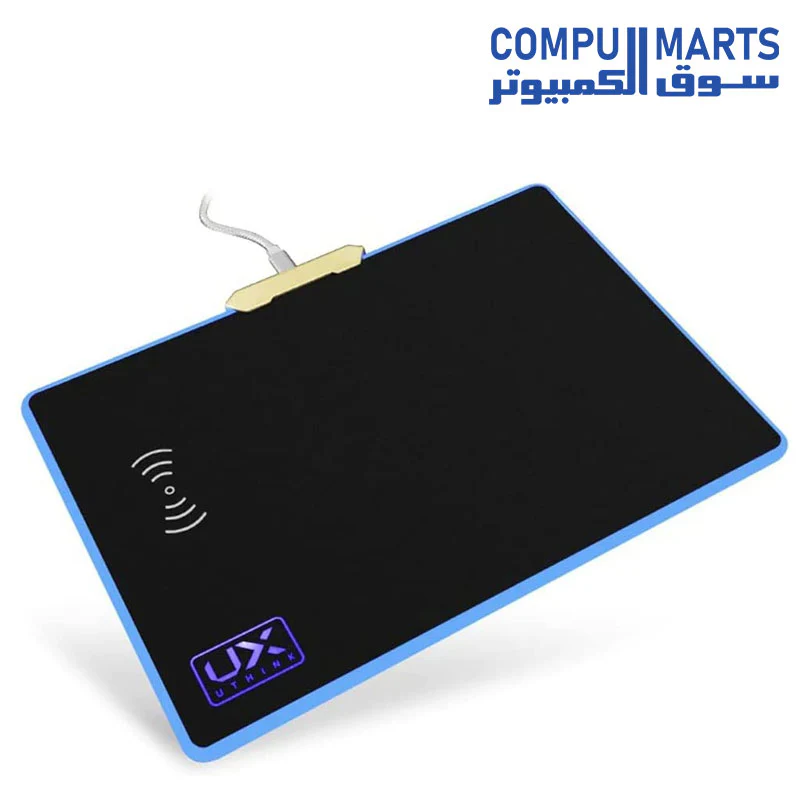
| Waterproof Surface | RGB mouse pad is woven with microfiber material, which makes it waterproof and color-locking. It is effective in preventing damage of spilled beverages or other liquids and is easy to clean with water without fading. |
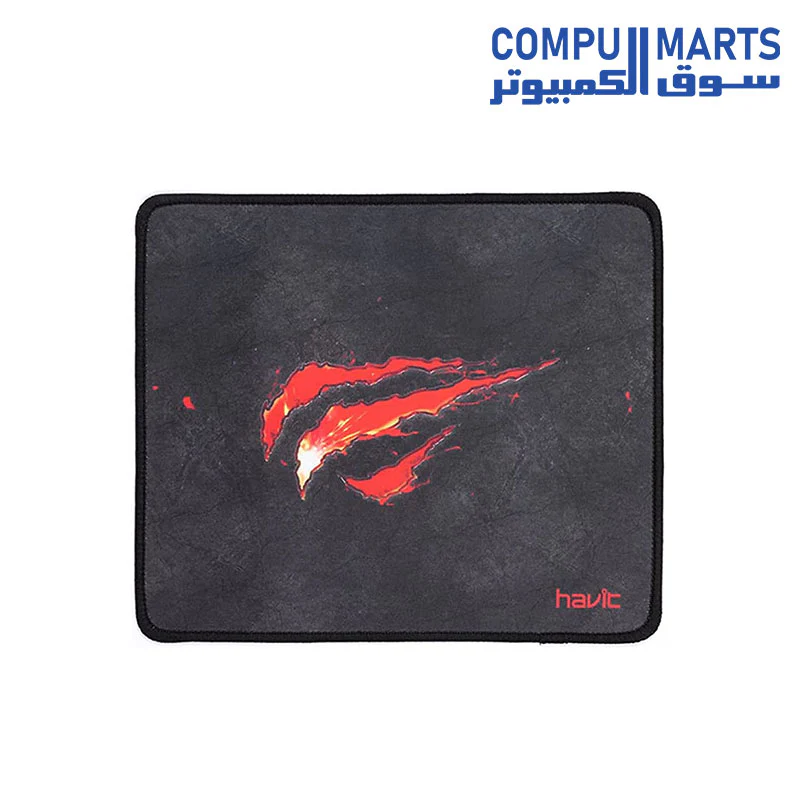
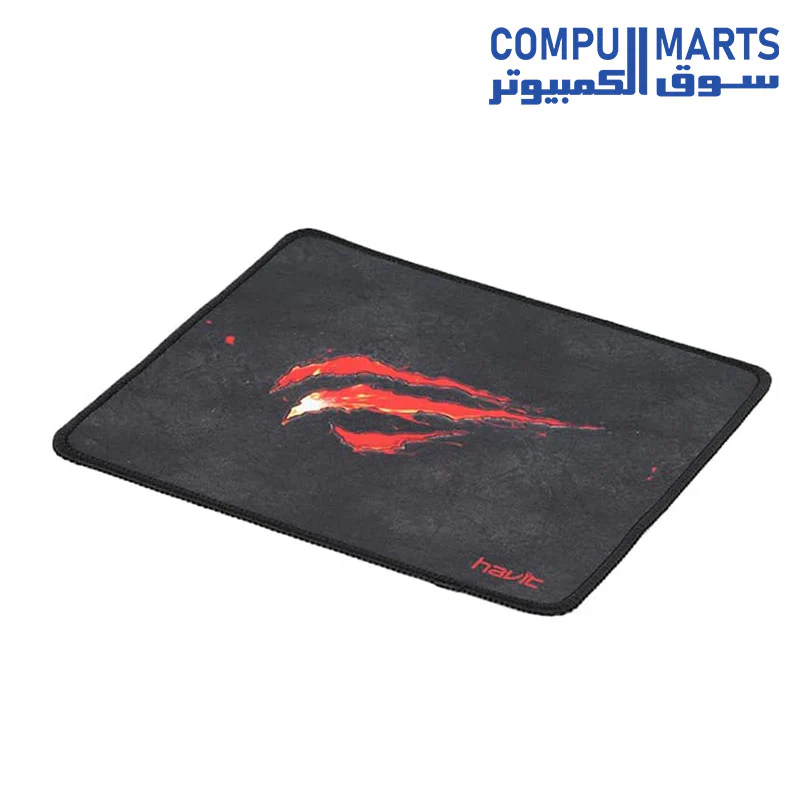
| Superior Durability | Intensive dual nylon stitched edges provide multi-layers protection, no fluff and delamination, effectively preventing wear, deformation and degum. |
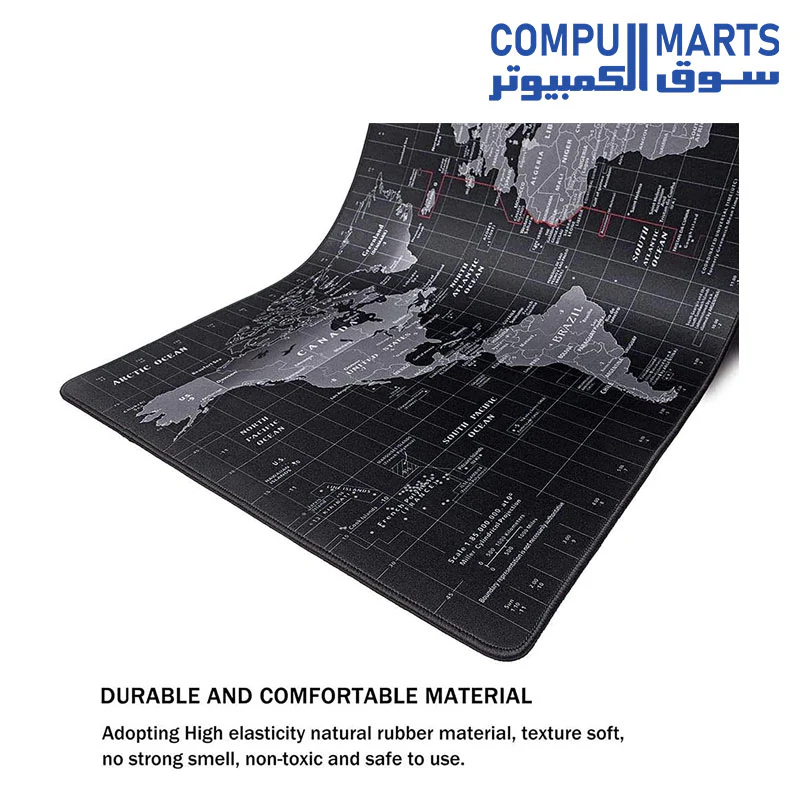
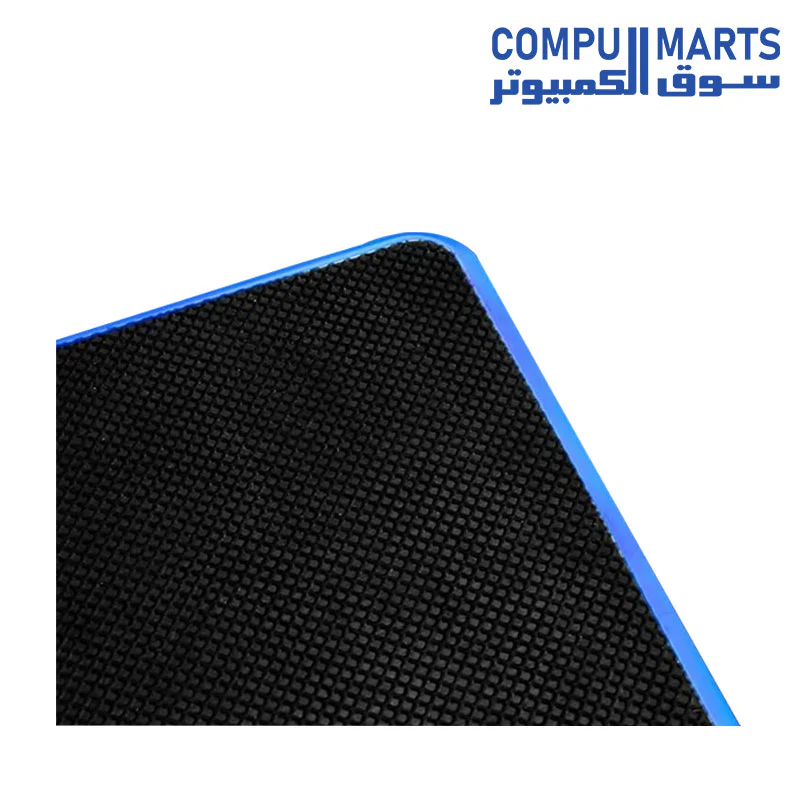
| Soft and comfortable | Made of high-elastic natural rubber and 4mm thickness for excellent softness, ensuring that your wrists are more comfortable than using other thin or hard mouse pads. |
| Automatic memory | RGB mouse pad can automatically memory your last light mode after shutdown. You don’t need to adjust again when you turn it on next time. |
| Adjustable brightness | Click the light switch button to set the light mode, double-click to adjust the brightness, support two kinds of brightness, you can adjust the brightness of the mouse pad according to the brightness of the room. |
Details & Craftsmanship
Every detail has been carefully considered to bring you the perfect product.
Description
| Category | Specification Details |
|---|---|
| Waterproof Surface | RGB mouse pad is woven with microfiber material, which makes it waterproof and color-locking. It is effective in preventing damage of spilled beverages or other liquids and is easy to clean with water without fading. |
| Superior Durability | Intensive dual nylon stitched edges provide multi-layers protection, no fluff and delamination, effectively preventing wear, deformation and degum. |
| Soft and comfortable | Made of high-elastic natural rubber and 4mm thickness for excellent softness, ensuring that your wrists are more comfortable than using other thin or hard mouse pads. |
| Automatic memory | RGB mouse pad can automatically memory your last light mode after shutdown. You don’t need to adjust again when you turn it on next time. |
| Adjustable brightness | Click the light switch button to set the light mode, double-click to adjust the brightness, support two kinds of brightness, you can adjust the brightness of the mouse pad according to the brightness of the room. |