$8.11
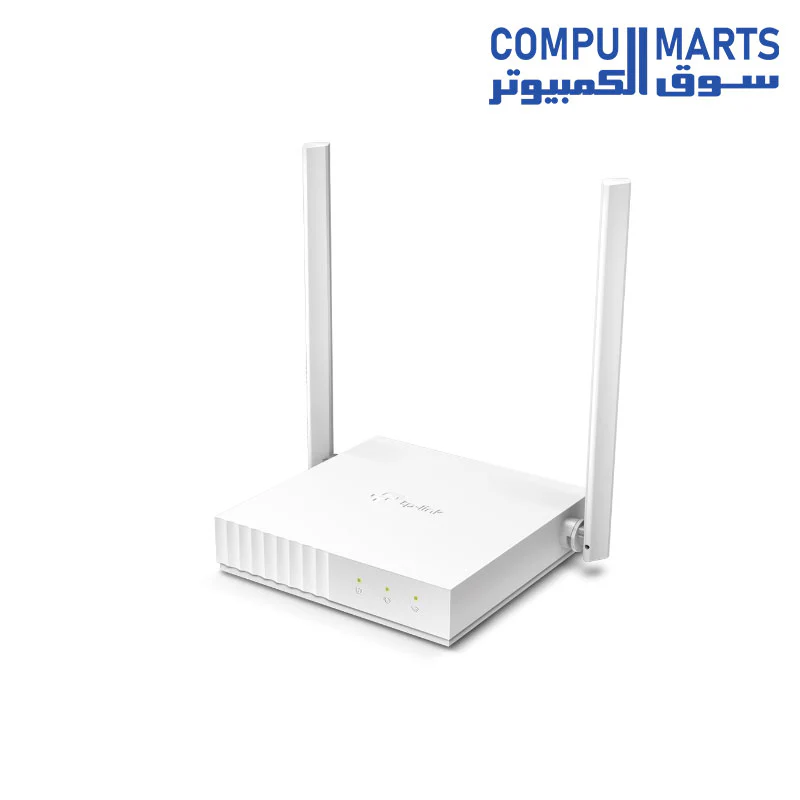
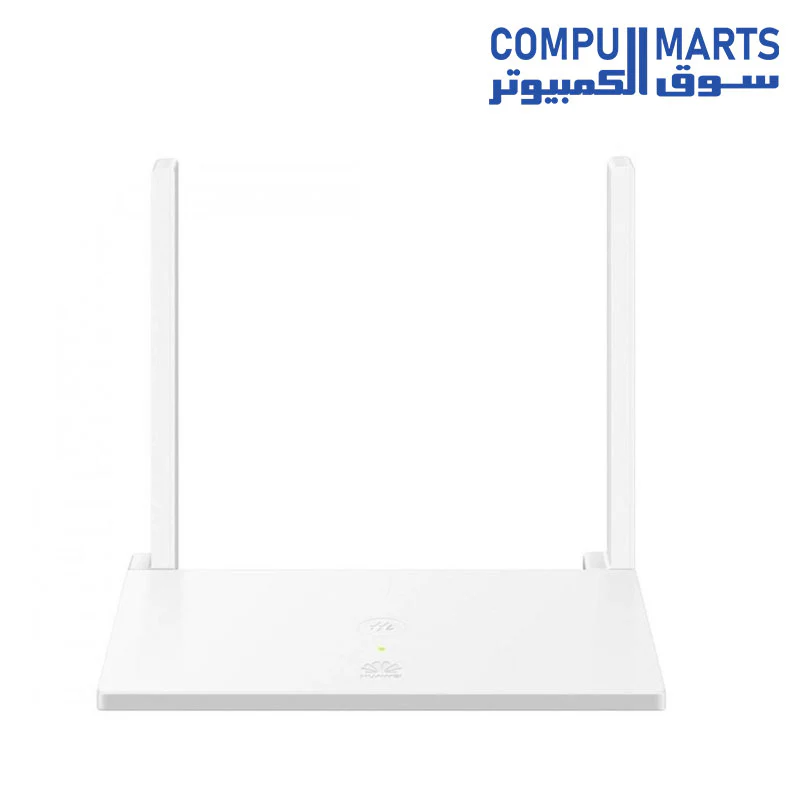
Huawei N300 Access Point, White, WS318N—
$8.11
The Story
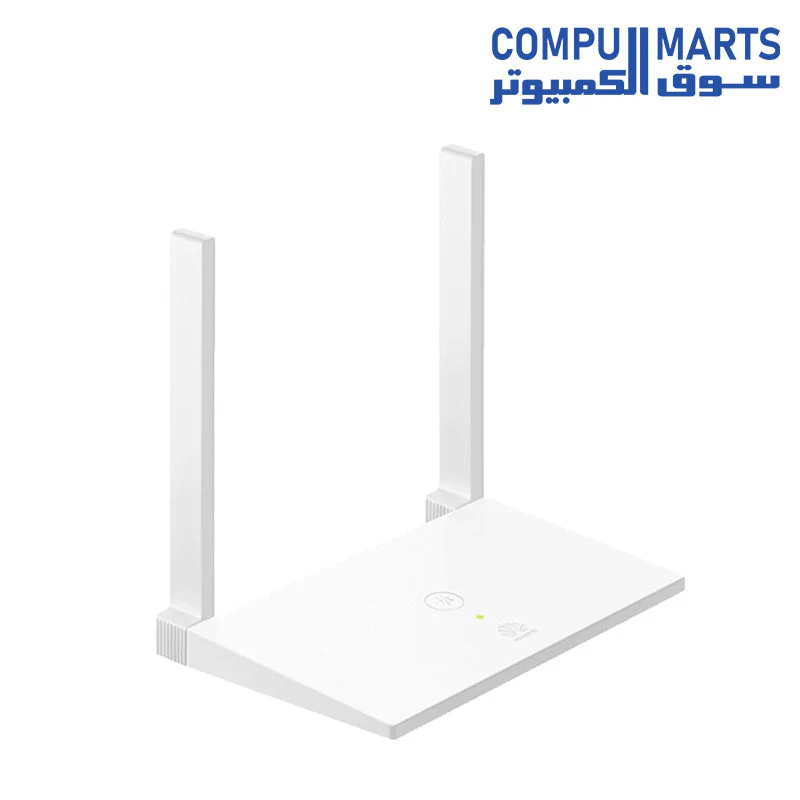
Huawei N300 Access Point, White, WS318N
-
ADSL connection : No
-
Brand : Huawei
-
Type : Wireless
-
rand: HUAWEI
-
Model: WS318
-
Type: Router
-
Router Connectivity Type: Ethernet
-
Transmission Rate: 300Mbps
-
Speed of Ethernet Port: 10/100Mbps
-
Network Protocols: IEEE 802.11a,IEEE 802.11ac,IEEE 802.11b,IEEE 802.11g,IEEE 802.11n,IEEE 802.3,IEEE 802.3U
-
Wireless Standard: Wireless AC,Wireless G,Wireless N
-
Wireless Security: WPA
-
WiFi Network Frequency: 2.4GHz
-
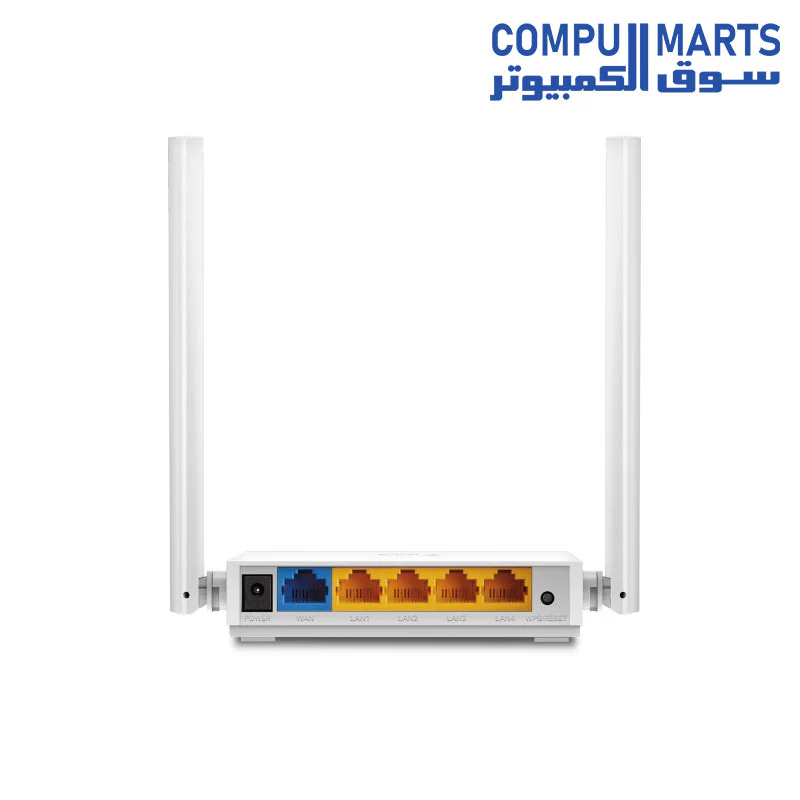
LAN Ports: 2 ports
-
Max. LAN Data Rate: 300Mbps
-
Network Communication: WiFi
How do I set up the WS318n as a wireless switch for my old router?
Applicable products:HUAWEI Router WS318n
If you already have a wired router in your home but also require a wireless network for your mobile devices, you can set up the HUAWEI Router WS318n to work as a wireless switch.
-
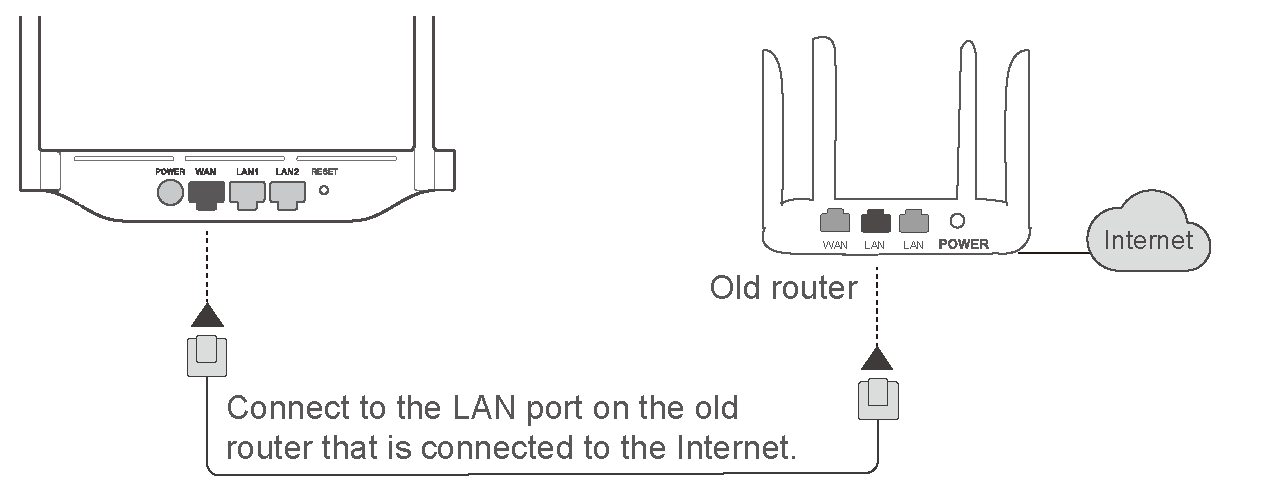
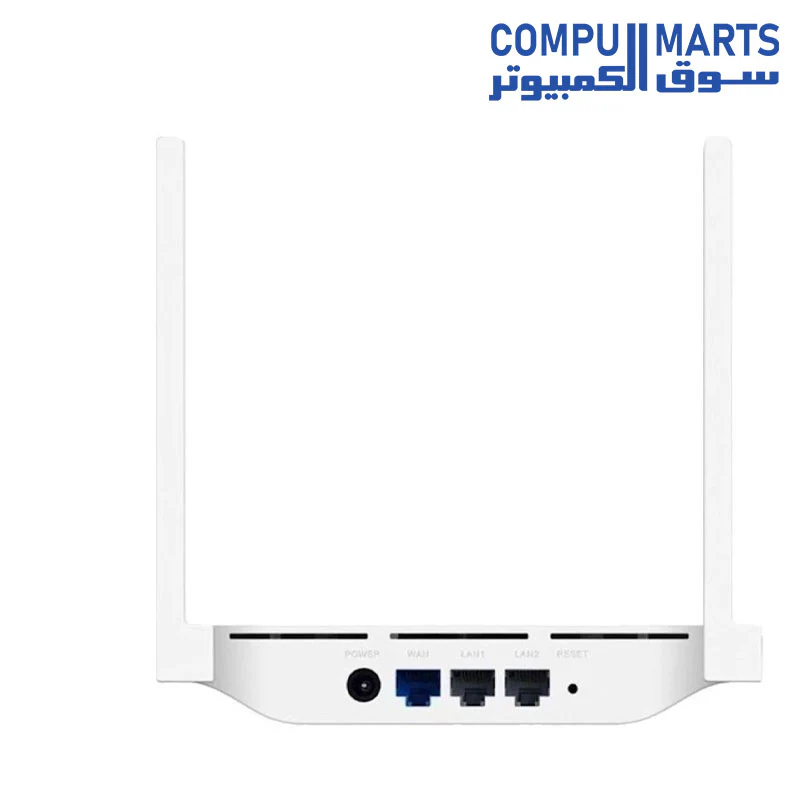
Connecting the cables: Use an Ethernet cable to connect the blue port (WAN port) on the HUAWEI Router WS318n to the LAN port on the old router. Power on the HUAWEI Router WS318n.
-
Connect your computer to the grey port (LAN port) on the HUAWEI Router WS318n, or use your computer to connect to the Wi-Fi network of the HUAWEI Router WS318n. Enter 192.168.3.1 in the browser address bar to log in to the web-based management page of the HUAWEI Router WS318n.
-
Enter the Connect to Internet page. Select Bridge in Internet mode.
-
Click Save.If this is the first time you have configured the HUAWEI Router WS318n, you need to complete the Internet connection wizard before you can enter the Connect to Internet page.
-
In the Internet connection wizard, your router may detect whether the Internet access mode is Dial-up or Auto-obtain IP.
-
You can select Skip to skip this step and change the Internet access mode to bridge mode in Connect to Internet afterwards.
-
Your HUAWEI Router WS318n can now be used as a wireless switch, and your phone, tablet, and laptop can be connected to the Wi-Fi network of the HUAWEI Router WS318n.
-
Your router will automatically toggle off the DHCP service switch when you enable bridge mode.
Details & Craftsmanship
Every detail has been carefully considered to bring you the perfect product.
Details & Craftsmanship
Every detail has been carefully considered to bring you the perfect product.
Description
Huawei N300 Access Point, White, WS318N
-
ADSL connection : No
-
Brand : Huawei
-
Type : Wireless
-
rand: HUAWEI
-
Model: WS318
-
Type: Router
-
Router Connectivity Type: Ethernet
-
Transmission Rate: 300Mbps
-
Speed of Ethernet Port: 10/100Mbps
-
Network Protocols: IEEE 802.11a,IEEE 802.11ac,IEEE 802.11b,IEEE 802.11g,IEEE 802.11n,IEEE 802.3,IEEE 802.3U
-
Wireless Standard: Wireless AC,Wireless G,Wireless N
-
Wireless Security: WPA
-
WiFi Network Frequency: 2.4GHz
-
LAN Ports: 2 ports
-
Max. LAN Data Rate: 300Mbps
-
Network Communication: WiFi
How do I set up the WS318n as a wireless switch for my old router?
Applicable products:HUAWEI Router WS318n
If you already have a wired router in your home but also require a wireless network for your mobile devices, you can set up the HUAWEI Router WS318n to work as a wireless switch.
-
Connecting the cables: Use an Ethernet cable to connect the blue port (WAN port) on the HUAWEI Router WS318n to the LAN port on the old router. Power on the HUAWEI Router WS318n.
-
Connect your computer to the grey port (LAN port) on the HUAWEI Router WS318n, or use your computer to connect to the Wi-Fi network of the HUAWEI Router WS318n. Enter 192.168.3.1 in the browser address bar to log in to the web-based management page of the HUAWEI Router WS318n.
-
Enter the Connect to Internet page. Select Bridge in Internet mode.
-
Click Save.If this is the first time you have configured the HUAWEI Router WS318n, you need to complete the Internet connection wizard before you can enter the Connect to Internet page.
-
In the Internet connection wizard, your router may detect whether the Internet access mode is Dial-up or Auto-obtain IP.
-
You can select Skip to skip this step and change the Internet access mode to bridge mode in Connect to Internet afterwards.
-
Your HUAWEI Router WS318n can now be used as a wireless switch, and your phone, tablet, and laptop can be connected to the Wi-Fi network of the HUAWEI Router WS318n.
-
Your router will automatically toggle off the DHCP service switch when you enable bridge mode.